Category: Testimony
-
Welcome to the bigCOMMUNITY: Read This First!
“Except the Lord build the house, they labor in vain that build it.” — Psalm 127:1
Date: October 1, 2026
Welcome home. If you are tired of the blinding digital chaos, the corporate media algorithms, and the cliquish “Handshakes” of a world that forces you to fit into its predetermined molds, you have just stepped into a sanctuary.
bigCOMMUNITY.us is a completely independent web network built from the ground up out of our own local server hardware. We didn’t build this platform to add to the digital static; we engineered it to be a clean, unadulterated space where trade laborers, believers, and independent minds can gather to ground their daily walk in faith, scripture, and raw fellowship.
Our definitive mission is to reach out and provide vital services for those whom society so often leaves stranded on the outer fringes: the Aged-Out Youth, the Homeless, the Disabled, our forgotten Veterans, and transitioning Felons. We believe that no matter how grueling the trenches of your past have been, the ultimate Master Builder has a blueprint for your restoration. Every shirt purchased from our storefront and every connection made across this network directly fuels our independent infrastructure to serve, lift up, and provide real-world pathways for these vital groups as they work to stand tall among the giants.
🔍 How to Use Your Community Launchpad
To help you stay anchored and block out the noise of the world, we have fully optimized this homepage to act as your daily digital launchpad. Here is how to make the most of your network:
- The Global Web Search: Right at the very top of our homepage, you will find a lightning-fast, custom Google Search bar. Use it for your daily internet browsing! It executes your search queries perfectly and pops the results open in a completely separate browser tab—meaning you can surf the entire web without ever losing your connection to home.The Morning Devotional Streams: Every single morning at 6:00 AM, our server automatically drops a fresh, structured daily reading. We alternate between the 31 structural chapters of Proverbs and a brilliant mathematical framework through the 150 chapters of Psalms tailored specifically for the working mind.The Audio Vault: We know what it’s like to have your hands full in the field. That’s why every daily reading features an integrated audio block at the top, allowing you to hit play and listen to the audio track while you drive to the job site or work in the trenches.
📢 Join the Campaign: Make Us Your Homepage!
Small daily habits build monumental movements. We challenge you to take 60 seconds right now to set https://bigcommunity.us as your default browser homepage across your desktop computers and mobile devices.
By anchoring your web browser directly to this independent sanctuary, you take control of your digital day and ensure that our shared mission of faith, recovery, and human service stays at the absolute forefront of your morning routine. Check out our step-by-step browser setup guide pinned in our story feed to link your devices today!
Thank you for standing tall among the giants with us. Get ready to hit your full stride.
Leave Comments BELOW!
Let’s talk about it in the comments below. Share your story, your insights, or simply drop a prayer asking for clearer spiritual ears. Let’s build up each other’s faith right here!
-

Jesus Wore a Hardhat: Finding the Cross in the Trenches
Jesus Wore a Hardhat: Finding the Cross in the Trenches
(more…) -
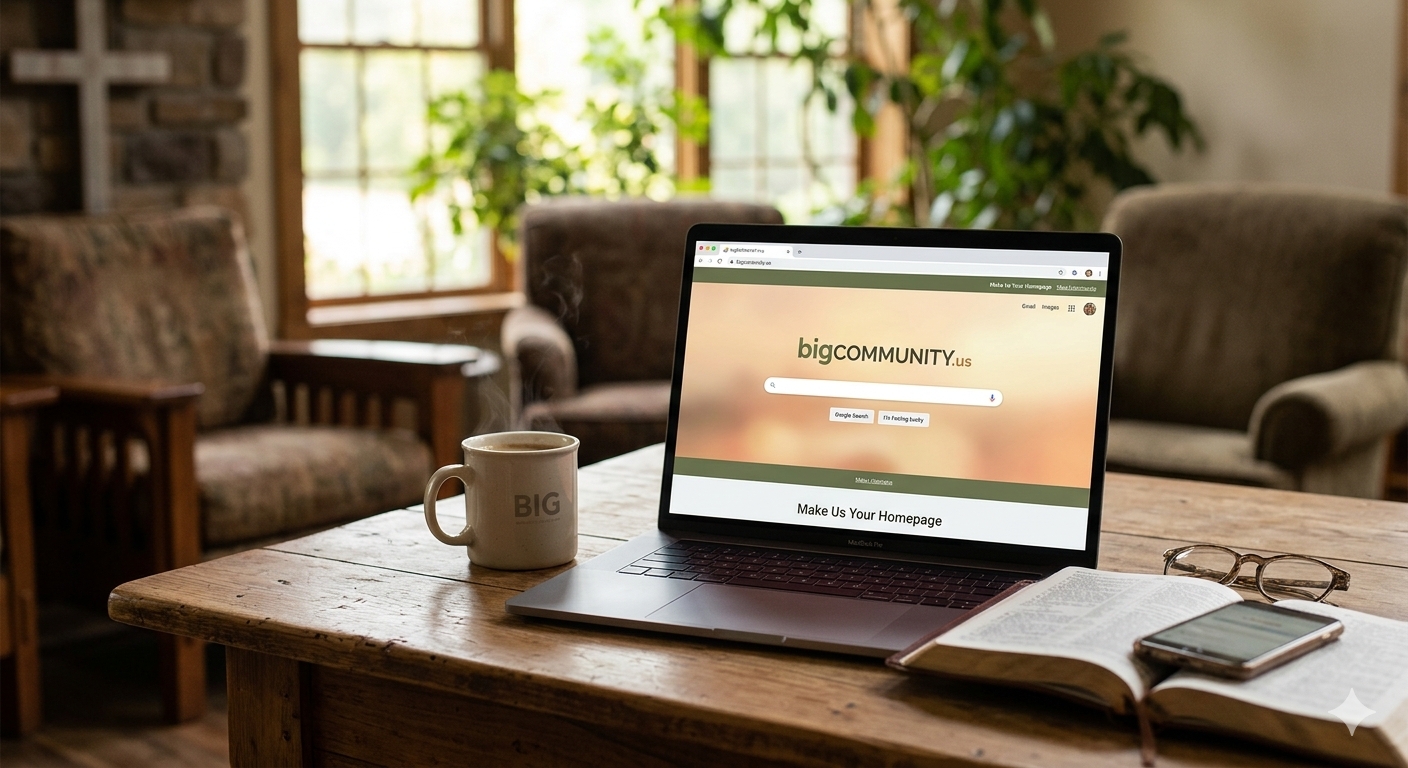
Make bigCOMMUNITY Your Launchpad: How to Set Us as Your Homepage
How to Set Us as Your Homepage
When we set out to build bigcommunity.us locally out of our own hardware, the vision was clear: to create an independent sanctuary away from the corporate noise and blinding digital chaos. A space where we can reflect on scripture, build independent commerce, and trace God’s quiet connections together.
But a community only thrives when we stay tethered to it.
Today, we are launching a new campaign to make bigcommunity.us the launchpad for your digital day. We’ve added a lightning-fast Google Search bar right at the top of our homepage that opens results in a separate tab. By setting our platform as your browser’s default homepage, you block out the corporate media algorithms and ground your internet browsing in a space of faith, unity, and fellowship every single time you open your device.
Here is your step-by-step guide to making the bigCOMMUNITY your default home screen across all major browsers.
How to Change Your Homepage (Step-by-Step)
🌐 On Google Chrome (Desktop)
- Open Chrome and navigate to https://bigcommunity.us.
- Click the three vertical dots in the top-right corner of your browser window and select Settings.
- On the left sidebar, click on Appearance.
- Toggle the switch for Show home button to ON.
- Select the second radio button option, copy and paste
https://bigcommunity.usinto the text field, and close the settings tab.
Now, whenever you click the little “House” icon next to your address bar, you’re instantly brought back home.
🦊 On Mozilla Firefox
- Visit https://bigcommunity.us.
- Look at the tab at the top of your screen that says “bigCOMMUNITY”.
- Click and hold that tab with your mouse click, drag it directly over to the Home icon (the house symbol) on your toolbar, and let go of the mouse.
- Click Yes when the prompt asks if you want to set this URL as your homepage.
🧭 On Microsoft Edge
- Open Edge, click the three horizontal dots in the top-right corner, and select Settings.
- On the left menu, click Start, home, and new tabs.
- Under the Home button section, ensure the toggle is turned ON.
- Click Set button URL, type in
https://bigcommunity.us, and click Save.
📱 On Mobile iPhones & iPads (Safari Shortcut)
Apple Safari doesn’t use a traditional homepage, but you can create a gorgeous app icon right on your phone’s home screen:
- Open Safari on your phone and go to https://bigcommunity.us.
- Tap the Share button (the square icon with an arrow pointing up at the bottom of the screen).
- Scroll down the list of options and tap Add to Home Screen.
- Name it bigCOMMUNITY and tap Add in the top right corner.
An elegant icon will appear on your phone screen, letting you launch into our sanctuary with a single tap.
Share the Movement with the bigCOMMUNITY
Small habits build monumental movements. By taking 60 seconds to anchor your browser to this independent platform, you help ensure our shared vision stays at the forefront of your daily walk.
- Were you able to successfully set up your new home screen launchpad using the instructions above?
- What browser are you using to stay connected with us?
Let’s talk about it in the comments below.
Drop a line letting us know you’ve set your launchpad, or ask for help if your specific device is acting up. Let’s strengthen our connections right here!
-
The Whispers We Ignore: Tuning Your Ears to the Holy Spirit
Tuning Your Ears to the Holy Spirit
(more…) -
Sovereignty vs. Chaos: Understanding the Mechanics of Divine Intervention
Understanding the Mechanics of Divine Intervention.
(more…)